Overview
Branch Cleanup
Safely remove obsolete Git branches using configurable filters while protecting important branches.
custy cleanup branchesCategory
Quick Command
custy cleanup branchesOverview
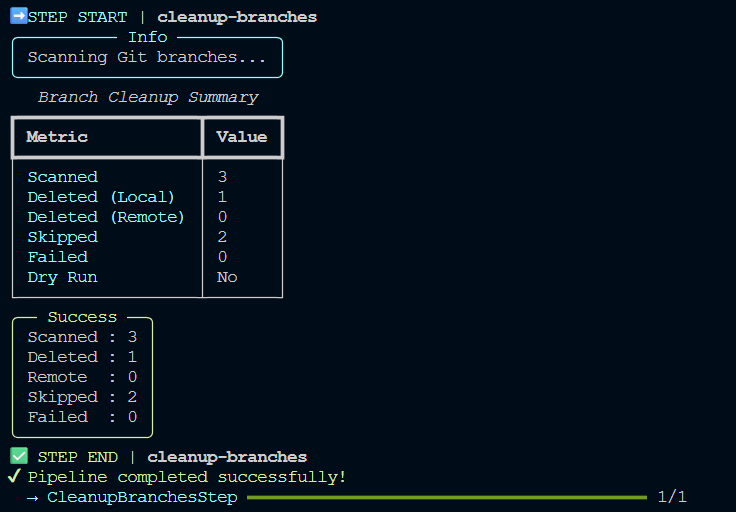
Branch Cleanup removes Git branches that satisfy the cleanup rules configured for your project.
Unlike Backup Cleanup, this command operates directly on your Git repository.
To minimize the risk of accidental branch deletion, Custy applies multiple safety checks before removing any branches.
Only branches matching the configured cleanup filters are considered.
What Branch Cleanup Does
Responsibilities
Scan Local Branches
Apply Cleanup Filters
Protect Important Branches
Remove Eligible Branches
Branch Cleanup
Safety First
Branch Cleanup is intentionally conservative.
By default:
- no branch prefixes are configured,
- no branches are selected,
- no branches are deleted.
Projects must explicitly configure which branch prefixes may be cleaned.
This prevents accidental deletion immediately after installing Custy.
Workflow Integration
Branch Cleanup is available as the standalone public command:
custy cleanup branches
The internal cleanup_branches profile is intentionally not included in
Custy's public automated release workflows and is not accepted as a public Run
argument.
This ensures that branch removal always remains an explicit user decision.